
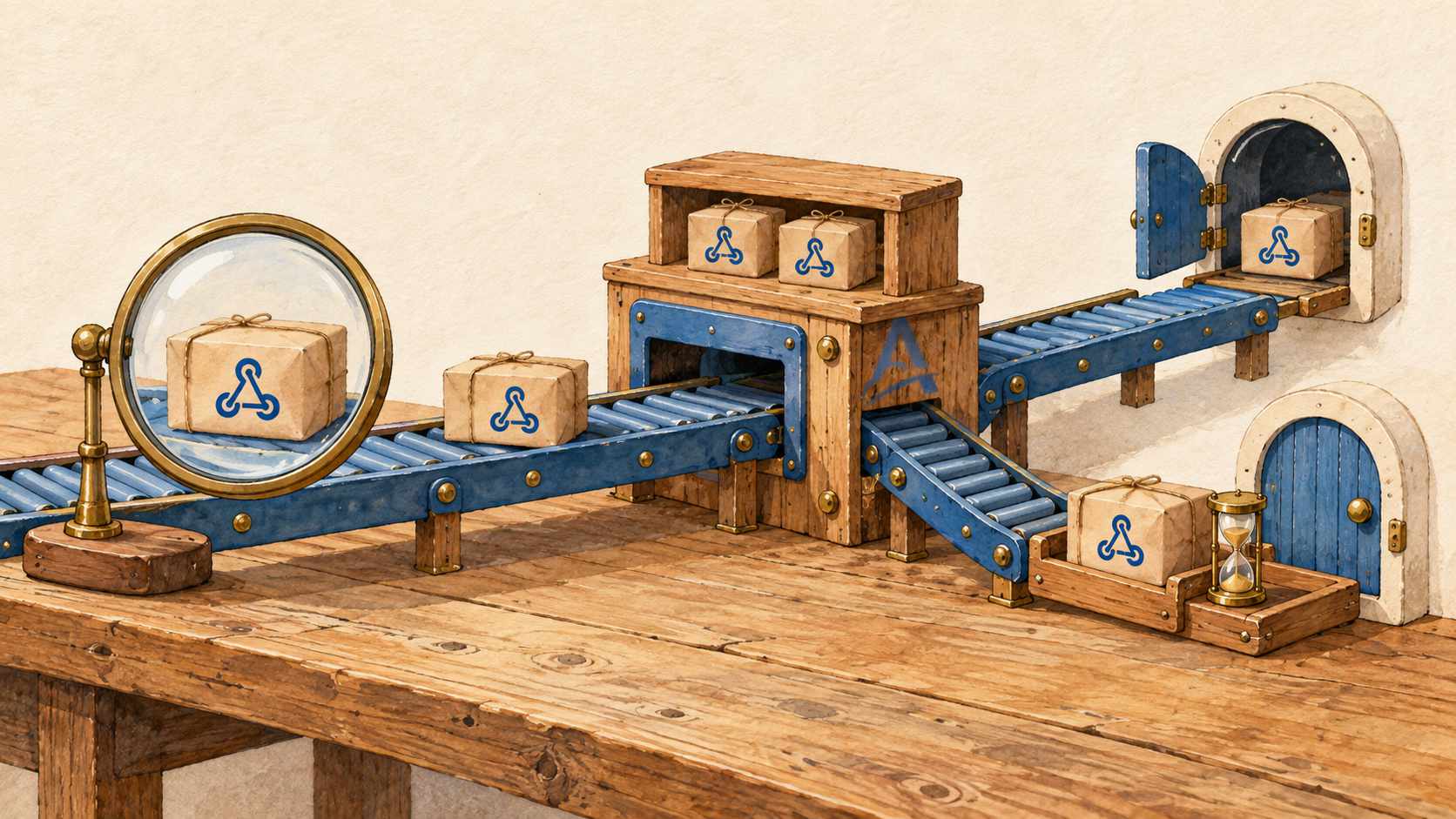
RequestBin or Webhook.site is often the easiest place to inspect your first webhook. You get a public URL, add it to the provider's settings, and watch the request arrive: the method, the headers, the body, and perhaps a payload that looks a little different from what you expected. That is often enough to get familiar with an integration.
The next step is getting that request to your application. It might be a handler on your laptop, a staging service, or a production system inside a private network. Now you need to know what happens when the application returns 500, the connection drops, or the recipient is offline when the event occurs.
The requirements have changed. Seeing payment.succeeded in a browser is useful, but it does not update an order's payment status. You need delivery, retries, and a record of the outcome.
By a real integration, we mean a flow in which requests need to reach an actual handler, and temporary failures or disconnected recipients are part of normal operation. That applies to development and staging as well as production.
Why an inspector is a good starting point
When you first connect a provider, you may not know exactly what it sends. The documentation describes the general format. An actual event reveals optional fields, extra headers, and details specific to your account.
An inspector gives you quick answers:
Did a request from the provider reach this URL?
Which path did it arrive on?
What headers and body did it contain?
How does the test event differ from the format you expected?
A list of incoming requests works well for this. You can inspect the payload before you have a running application or useful application logs.
That record confirms receipt at the public endpoint. The integration with your application still needs to be checked: the request has yet to reach your handler.
Compare what happens when something fails
A product's name tells you little about its full capabilities. Webhook.site, for example, supports HTTP forwarding and retries through Custom Actions, along with forwarding through its CLI. A blanket claim that it has no relay or retry support would be inaccurate. RequestBin is also a name used by different services and implementations.
Start with how you use your current tool. If it is simply a URL for capturing and inspecting requests, moving to an application integration adds four requirements:
| Situation | What capture and inspection provide | What application delivery requires |
|---|---|---|
| The handler fails | The original request is available to inspect | A retry policy and an attempt history |
| The recipient is in a private network | The webhook reaches a public URL | A relay to a configured internal handler |
| The recipient is offline | The request may remain in the capture history | Pending delivery that resumes after reconnection |
| There are several recipients | One incoming request can be inspected | Explicit Destinations with a separate result for each |
This compares two ways of using a tool. For any particular product, check its documentation for the features, limits, and plan that support your intended flow.
Retries: what happens after the first failure
Suppose your application is restarting when a webhook arrives. The public endpoint accepts the request, but the handler is not ready and returns 503.
If recovery means opening the captured request, copying its body, and sending it again, someone has to notice the failure and act. That can work for a one-off test. For an ongoing stream of events, it helps to set the retry policy in advance.
In Adal Cloud, a retry belongs to a specific Delivery: the delivery of one Request to one Destination. A response outside the 2xx range, a timeout, or a network error triggers the configured retry rules. Success for one recipient does not cancel retries for another. The retry documentation explains the behavior in detail.
Once you have fixed the cause, you can also retry an existing Delivery manually. Replay creates a new Request from the stored original. These are different operations, and keeping them distinct helps explain why the handler received an event again.
The handler must be idempotent. If it performs the operation but its response is lost, a later attempt can deliver the same event again. A stable event ID from the provider helps prevent a duplicate order or notification. We covered this in Why webhooks need idempotent processing.
Relay: reaching a handler inside a private network
A provider can send a webhook to a public inspector. It cannot directly reach an internal service at 192.168.1.20. Getting the request to that service requires another part of the delivery path.
With Adal Cloud, the provider sends the request to the permanent HTTPS URL of a Server in Adal Cloud. For a private recipient, Adal CLI runs inside the recipient's network and establishes a secure outbound connection:
External service
    → public Server in Adal Cloud
    → Request
    → Delivery
    → Adal CLI inside the private network
    → internal handler
The Destination owner configures the handler's address. The provider only needs the Server's public URL. The internal service needs neither a public IP address nor an open inbound port.
For a recipient that is already reachable from the internet, use a Direct HTTP Destination. Adal Cloud then delivers directly, without the CLI. Both options are described in the Destination documentation.
The internal handler still receives externally supplied data. Provider signature verification and application-level validation remain part of the integration.
Offline delivery: waiting for the recipient to reconnect
A stored request lets you inspect what arrived overnight. Delivering it in the morning also requires the system to track its pending delivery to the recipient.
Adal Cloud separates intake from delivery. While the CLI is disconnected, Delivery waits for a connection. An attempt to deliver to the local application has not started, so the attempt limit is not consumed. If the CLI is connected but the application is unreachable or returns an error, that counts as a failed attempt.
Automatic delivery of pending Requests after reconnection is controlled by the Server setting Deliver pending requests on connect. It must be enabled, the Request must still be retained, the Destination must still exist, and the CLI must connect to the correct Server. The handler must also be reachable at the configured address. See the Server documentation for the setting's behavior.
For a flow where you want to accept a request now, inspect it, and deliver it later, configure persistent storage with an appropriate retention period. Retention is finite: once a Request is deleted, it cannot be recovered or used for Replay. Persistent storage and temporary delivery have different conditions, documented in storage and retention.
The same behavior is useful when a CLI process restarts or a connection from a private network briefly drops. It applies to more than a laptop that has been switched off.
Routing: tracking delivery to each recipient
With one recipient, the route seems straightforward. But the same webhook may be needed by your main application and a separate audit service. A single “request received” record no longer tells the whole story.
You can attach multiple Destinations to a Server in Adal Cloud, within your plan's limits. Each recipient gets a separate Delivery with its own history. The dashboard shows which route succeeded, which failed, and which is still waiting for a connection.
For example, the main handler returns 200, while the audit service returns 500. The first delivery succeeds; the second follows its retry policy. You can recover the failed route without resending the request to every recipient.
If different event streams need different sets of recipients, use separate Servers in Adal Cloud. Keeping their purpose explicit helps prevent test events from triggering production actions.
The routes and the captured Request data give you a connected record of what arrived and how delivery to each recipient ended. A successful HTTP response is still a transport result. Whether the business operation completed must be checked in the application itself.
How to evaluate the switch
Start with one test flow and an actual handler. Create a Server in Adal Cloud, enable persistent storage, configure a Destination, and set the public URL in the provider's test environment.
Then exercise four situations:
Normal delivery. Send an event and compare the Request in the dashboard with what the handler received.
Application failure. Temporarily return
500and inspect the attempt history and configured retry behavior.A disconnected CLI. Enable
Deliver pending requests on connect, disconnect the CLI, send an event, and reconnect within the retention period.A partial failure. Add a second test recipient and check that one route's failure is visible separately from the other's success.
This gives you a practical way to assess the delivery flow against your needs. If the provider requires a specific synchronous response to verify the webhook URL, check that too. The Server's intake response is configured separately from the Delivery result; it is not the response returned by your application.
From the first captured request to an ongoing integration
RequestBin and Webhook.site help you understand a webhook quickly. Once that request needs to trigger work in an application, your choice of tool depends on the whole delivery path: how it handles errors, disconnected recipients, and multiple destinations.
At Adal Cloud, we connect public intake, Request storage, and managed delivery with an attempt history. The same approach supports local development and handlers inside private production networks.
Start with the Adal Cloud quickstart, then exercise the failures your integration needs to handle.