
We've added a new Destination type: Direct HTTP.
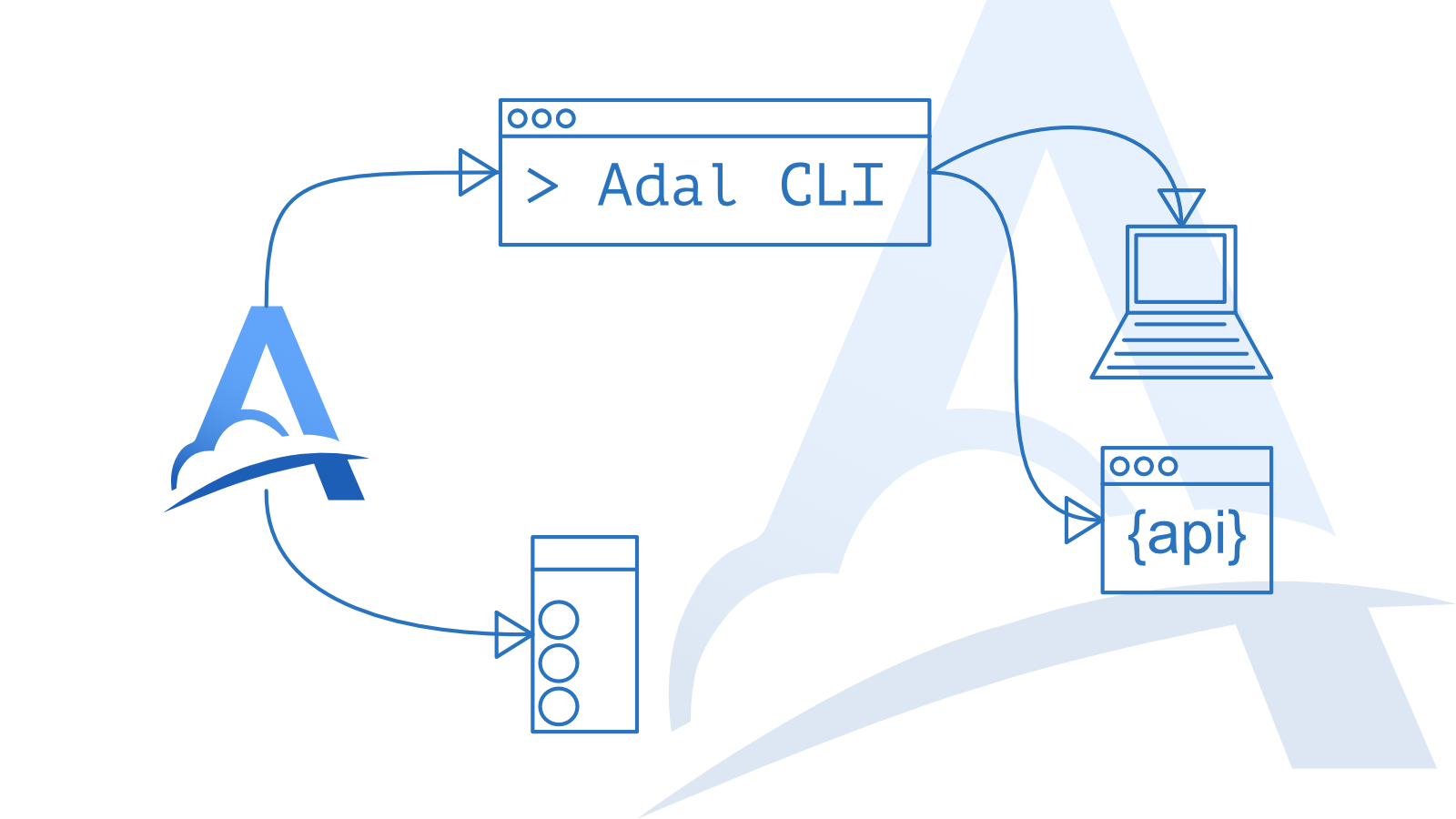
Until now, the main workflow looked like this: Adal receives an incoming webhook, stores its history, shows all request details, and delivers it through Adal CLI, for example to a developer's local environment.
Now there is another option: Adal can deliver webhooks directly to a public URL without running Adal CLI.
This is useful when you need to forward webhooks to:
a production service;
a staging or dev server that is publicly accessible;
multiple public destinations at the same time;
both a local environment through the CLI and an external server through Direct HTTP.
The setup is simple: create a Destination, choose Direct HTTP, enter a public URL, and Adal will forward incoming webhooks to that address.
When to use Direct HTTP and when to use the CLI
Use Direct HTTP when the destination is accessible from the internet and you want Adal to deliver webhooks directly. This could be a production service, a staging server, a public dev server, or an external service that needs to receive a copy of incoming webhooks.
Use Adal CLI when the destination is local or not accessible from the internet. For example, when you are developing a service on your own machine and want to receive real webhooks on localhost, an internal port, or a private address.
You can combine both workflows. The same incoming webhook can be delivered to production through Direct HTTP and to your local development environment through Adal CLI at the same time.
All core Adal features still apply: request history, delivery statuses, attempts, retries, and full visibility into what happened to each webhook.
There is one important difference.
For Direct HTTP deliveries, Adal uses its own User-Agent. It may be different from the User-Agent your service sees when receiving webhooks through Adal CLI. This is intentional: a direct request should be clearly identifiable as a request sent through Adal.
If your service uses User-Agent for routing, filtering, or request validation, make sure it can correctly handle the User-Agent used by Direct HTTP delivery.
As before, you can attach multiple Destinations to a single Server. For example, one incoming webhook can be delivered to production, staging, and a local development environment at the same time.
Direct HTTP makes Adal useful not only for local development, but also for broader webhook delivery, testing, and observability workflows.
No hidden magic: the incoming request is received, the delivery is created, every delivery attempt is recorded, and the status is visible in the dashboard.