
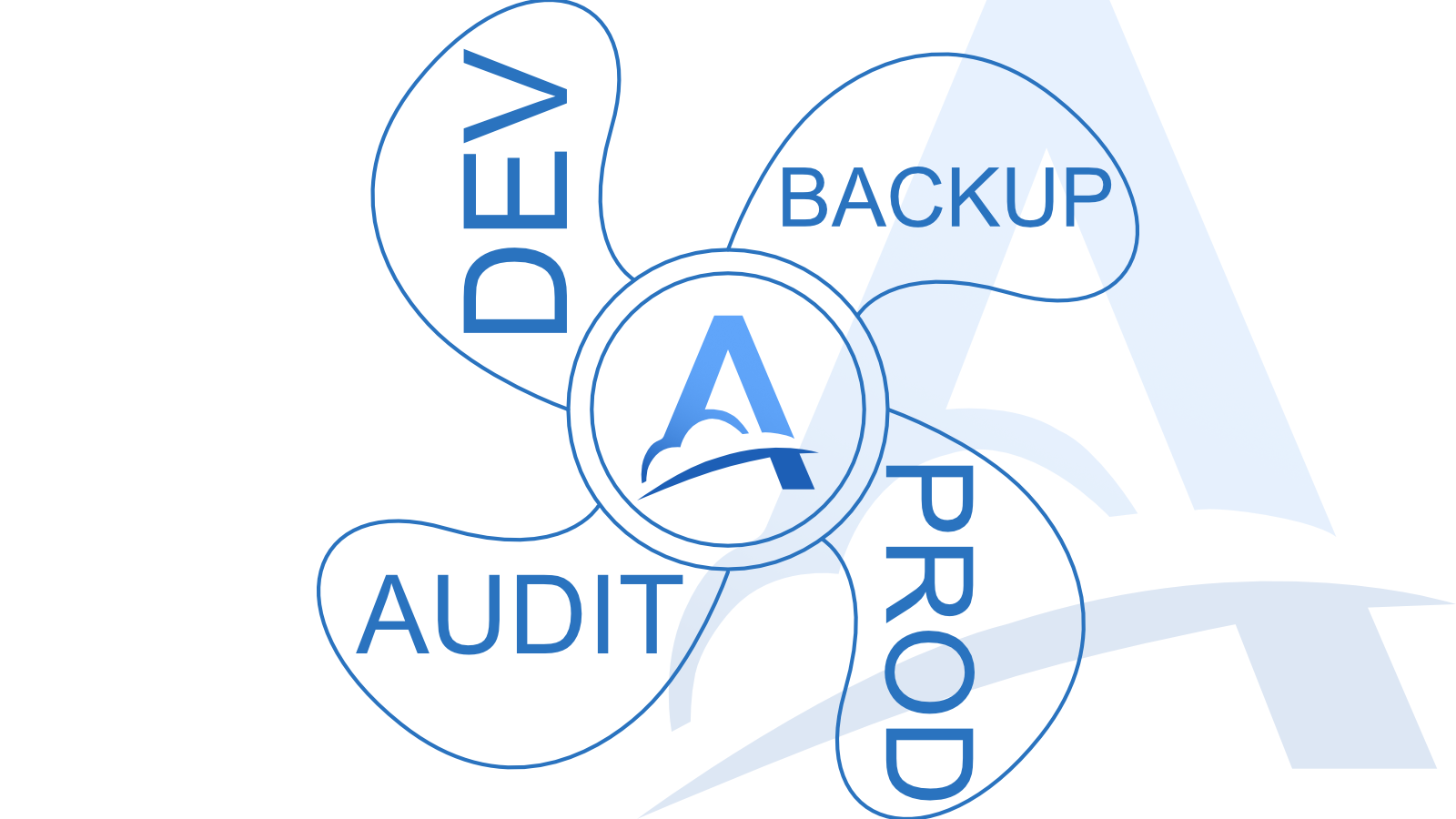
Sometimes, one webhook destination is not enough.
In a typical setup, a webhook is sent to a single system. A payment provider, CRM, GitHub, Telegram, no-code platform, or another external service makes an HTTP request to a URL you configured in advance. Your application receives that request and processes it.
But in real systems, a different question often appears: what if the same webhook needs to be delivered to more than one place?
For example, you may want to send webhook requests to your main application while also keeping a copy in a separate system for debugging or analysis. You may need to forward requests to both an old server and a new server during migration. Or you may want your support team to see incoming webhook events without giving them access to your database, admin panel, or internal infrastructure.
This pattern is usually called fan-out: one incoming request is received once and then delivered to multiple destinations.
When webhook fan-out is useful
One common use case is auditing and visibility.
Sooner or later, you may need to let another person or team inspect incoming webhook events. This could be support, QA, an integration partner, or an external specialist. Without a dedicated layer for this, you may end up giving them access to your admin panel, logs, database, or internal tools.
That is not always convenient. It is also not always safe.
Often, you need something simpler: a person should be able to see that a webhook request arrived, when it arrived, which method and path it used, what status it has, and what payload it contained — without getting access to the rest of your system.
Adal can act as a separate layer for receiving and observing webhook requests. The external service sends the webhook to Adal, and Adal forwards it to your main application. At the same time, the request remains available in Adal for inspection, debugging, and replay.
Another use case is keeping a backup copy of incoming events.
If webhook requests contain important data, you may want to send them to multiple destinations. For example, one destination can point to your main application, while another can point to a storage service, analytics pipeline, or internal service that keeps copies of events for later review.
This does not replace a proper backup strategy, but it can reduce the risk of losing an important webhook because the receiving system failed, returned an error, or was temporarily unavailable.
A third common use case is server migration.
Imagine that you are moving your webhook handler from an old server to a new one. Even if you update a DNS record or change the webhook URL in an external service, the transition may not be instant. Some clients, proxies, or external systems may continue sending requests to the old address for a while because of caching.
With Adal, you can configure two destinations at the same time: the old server and the new server. The same incoming webhook request can be delivered to both systems while you verify that the new one receives and processes events correctly.
Once the migration is complete, you can disable the old destination without changing the external webhook URL again.
Switching handlers without waiting for DNS
There is also a simpler scenario.
Adal Server URLs are permanent. This means you can configure an external service to send webhooks to Adal once, and then control where those requests go from inside Adal.
Today, you may receive webhooks locally through Adal CLI on one machine. Tomorrow, you can connect from another machine. Later, you can add a Direct HTTP destination and forward the same requests to a public server. The external webhook URL stays the same.
This is especially useful during development, testing, and gradual migration from a local environment to production.
Instead of changing the webhook URL in an external provider every time and waiting for the new configuration to take effect, you update the destination in Adal.
What Adal does
Adal receives the incoming webhook request, stores it, and delivers it to the configured destinations.
A destination can be a local handler connected through Adal CLI or a public HTTP service using Direct HTTP delivery. If multiple destinations are configured, Adal can send the same incoming request to several systems.
This allows Adal to work as a delivery layer between external services and your webhook handlers.
With Adal, you can:
send one webhook request to multiple systems;
temporarily duplicate requests during migration;
connect separate environments for debugging;
inspect incoming requests without exposing your main application;
replay requests when a handler was unavailable;
switch machines or servers without changing the external webhook URL.
If something goes wrong while you are switching handlers, Adal can still receive and store the incoming request. You can deliver it again once the required system is available.
Summary
Webhook fan-out is useful when one incoming request needs to be available to multiple systems or teams.
It can help with auditing, debugging, migration, backup copies, testing new handlers, or gradually moving from local development to a public server.
Adal lets you move this logic out of your application. Instead of building your own intermediate service, storing incoming requests, handling retries, and changing webhook URLs in external providers, you can point your webhooks to Adal once and manage delivery through destinations.