
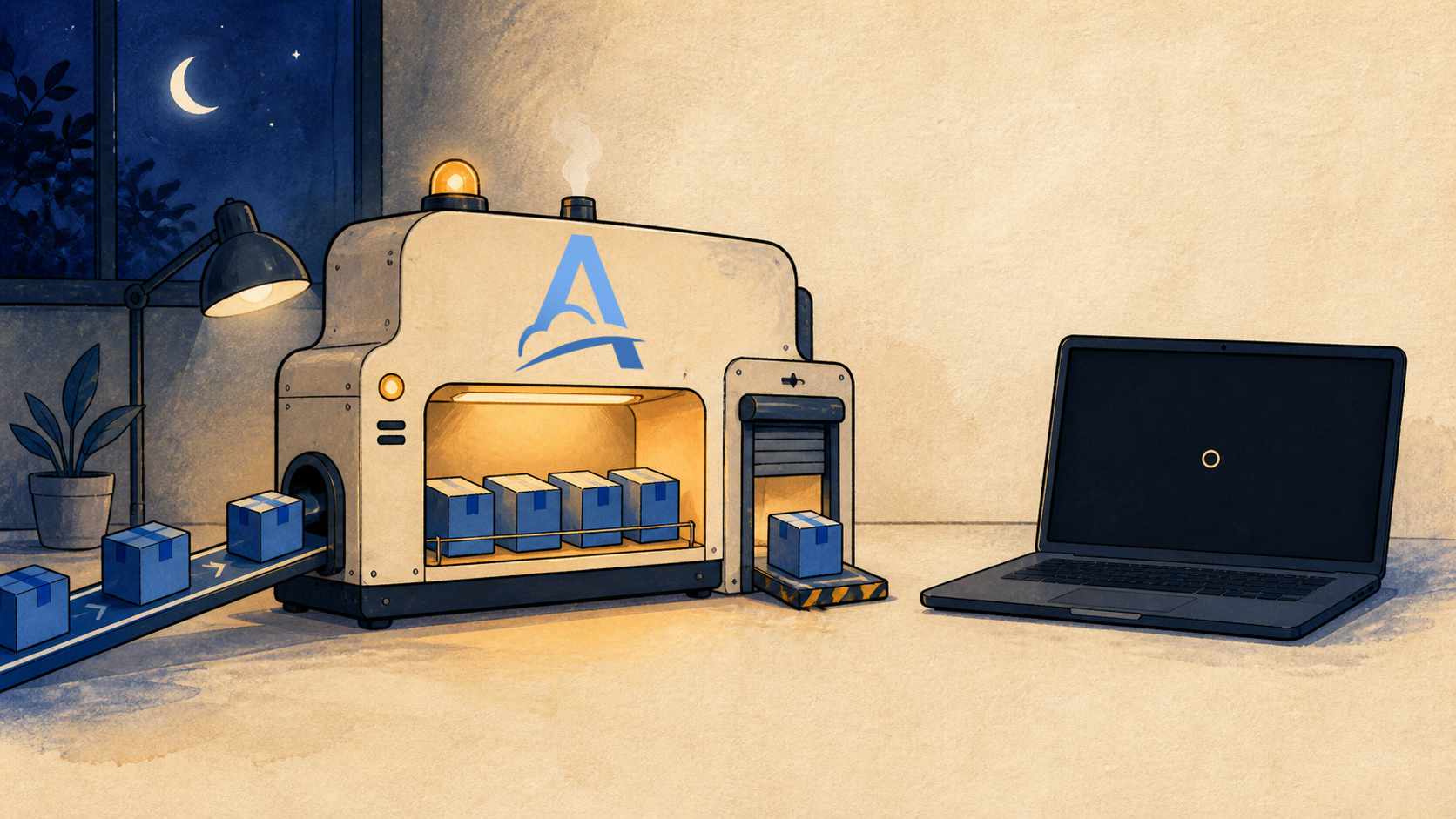
Yes—but the webhook needs to reach a cloud service that operates independently of your computer first. Your local machine can reconnect and process it later.
A computer that is powered off cannot receive an HTTP request. Its handler is not running, there is no active network connection, and its localhost address is unreachable from an external service. That does not mean the event has to disappear, though, or that you need to replace your webhook URL every time you start a development session.
Adal separates receiving a request from delivering it to your local application:
External service
    → public Server URL in Adal
    → stored Request
    → Adal CLI after reconnecting
    → local handler
While your laptop is off, the Server in Adal continues to receive webhooks through its permanent public HTTPS URL. With storage enabled, Requests remain in the selected region for their retention period. When the computer comes back online and Adal CLI reconnects, those pending Requests can be delivered to the local application.
This is the problem Adal was originally built to solve: accept a webhook whether or not a developer's computer is online, preserve it, and deliver it when the handler becomes available again. Request inspection, multiple Destinations, attempt history, retries, Replay, and delivery into private production networks came later. The original idea still sits at the center of the product: a public webhook URL should not depend on whether someone's laptop happens to be open.
Why direct delivery to localhost stops when you go offline
A webhook provider sends an HTTP request when an event occurs. A payment platform may report a completed payment, GitHub may report a push, and a CRM may report that a deal changed. For the request to arrive, the configured webhook URL must be reachable from the internet at that particular moment.
An address such as http://localhost:3000/webhooks exists only on your computer. Even while the machine is running, an external service cannot call it directly. Local development therefore usually involves a public server, port forwarding, or a tunnel that forwards internet traffic to the local handler.
An active tunnel still depends on the local connection. If the computer sleeps, shuts down, loses its network, or stops the tunnel process, there is nowhere to forward the request. What happens next depends on the sender. One provider may retry for hours, another may exhaust its attempts quickly, and a third may not offer a convenient way to redeliver the event at all.
Adal keeps the public and local parts of this path separate. The external service calls a Server in Adal, not a laptop or a temporary local address. Turning off the computer interrupts the path from Adal to the handler, but it does not prevent Adal from accepting the webhook.
What happens to a webhook while the computer is off
Here is the path of a single request, step by step.
1. The provider sends the webhook to a permanent URL
Every Server in Adal has its own public HTTPS URL. You configure it with the provider once, for example:
https://a1b2c3d4e5f6g7h8.se1.adal.cloud/webhooks/payment
Stopping the local application, closing Adal CLI, or restarting the computer does not change this address. The provider continues to send events to the same URL.
2. Adal receives and stores the Request
The Server accepts the incoming request in the selected region. With storage enabled, a Request appears in the dashboard with its method, path, query parameters, headers, body, and receive time.
That is the persistence part of the workflow: the request exists independently of a process running on the local machine. You can inspect it even if the handler was not running when the event occurred.
Storage is not indefinite. Each Request has a scheduled deletion date based on the retention period of the current plan and the Server's storage settings. Once retention expires, the Request cannot be restored, delivered, or used for Replay. In practice, this means the maximum useful offline period is limited by how long the Request remains stored. See data storage and retention for the full rules.
3. The Delivery waits for Adal CLI
Delivery to a local address uses an Adal CLI Destination. Adal CLI runs on the developer's computer and opens a secure outbound connection to Adal. It does not require a public IP address, an inbound port, or changes to NAT rules.
While the CLI is disconnected, Adal cannot begin the HTTP delivery to the local service. Waiting for a connection is not a failed attempt, and it does not consume the configured attempt allowance: the request has not reached the handler yet.
This is different from a connected CLI being unable to reach the local application, or from the application returning an error. In those cases, delivery has already started, so the result counts as an attempt.
4. Pending Requests can be delivered after reconnecting
The Server setting Deliver pending requests on connect controls this part of the workflow. When enabled, retained pending Requests can be delivered after Adal CLI connects. When disabled, the CLI receives new Requests that arrive after it connects, while the Requests accumulated during the offline period are not delivered automatically.
It would therefore be inaccurate to say that Adal will always deliver everything as soon as the computer starts. Deferred local delivery depends on several conditions:
the Server accepted the Request;
the Request was stored and has not reached the end of its retention period;
the Adal CLI Destination still exists;
Deliver pending requests on connectis enabled;the CLI connects with the token for the correct Server;
the local application is reachable at the Destination URL.
If offline delivery is central to your workflow, test this setting before the first important event arrives while you are away.
Buffering, persistence, retries, and reconnect delivery are different things
These concepts are often grouped together under the word “queue,” but they describe different parts of the delivery path.
Buffering separates the rate of incoming traffic from the readiness of the recipient. Webhooks can continue to arrive while the local handler is temporarily unable to accept them immediately.
Persistence means that an accepted Request is stored outside the local process and does not disappear when the laptop shuts down. In Adal, that storage is bounded by retention.
Reconnect delivery starts sending pending Requests after Adal CLI restores its connection. The Deliver pending requests on connect setting controls this behavior.
A retry is another attempt at a Delivery that has already started but did not complete successfully. For example, the CLI may be connected and forward the request, but the local application returns 500 or the connection times out. Adal records that result and applies the Destination's retry policy.
The difference can be summarized like this:
CLI disconnected
    → Delivery waits for a connection
    → no attempt has started

CLI connected, application returns an error
    → the attempt fails
    → the retry policy applies
This distinction matters during diagnosis. A laptop being off overnight should not look like hundreds of failed attempts when no HTTP delivery to the local handler took place. The delivery retries documentation describes the attempt lifecycle in more detail.
A practical example: three webhooks arrive overnight
Suppose you are building a handler for payment events. The provider's webhook URL already points to a Server in Adal, and an Adal CLI Destination routes the Requests to this local address:
http://127.0.0.1:3000/webhooks/payment
You shut down your laptop in the evening. During the night, the payment provider's test environment sends three events:
01:14  payment.succeeded
02:07  refund.created
04:31  payment.dispute.opened
The Server accepts them and creates three Requests. No local delivery takes place yet because the CLI is disconnected.
In the morning, you start the application and Adal CLI. If Deliver pending requests on connect is enabled and the Requests are still within retention, they begin arriving at the handler. Adal keeps a separate delivery history for each one.
If the handler returns 500 for the second event, the Delivery is no longer waiting for a connection: an actual attempt has failed. The configured retry policy now applies. After fixing the cause, you can also retry that specific Delivery manually. Replay is different again—it creates a new Request from the stored original, which is useful when you deliberately want to test the handler again.
What happens during a brief network outage
From the delivery path's perspective, a powered-off computer, a sleeping laptop, a restarted CLI process, and a temporary loss of internet connectivity have the same immediate result: the CLI connection is unavailable.
Adal CLI reconnects after the network returns. What happens to pending Requests still depends on Deliver pending requests on connect and retention. The Server's public URL does not change, so you do not need to update the provider after every interruption.
If the CLI forwarded a request but the connection disappeared before Adal received an unambiguous result, the Request may be delivered again. This is a normal consequence of at-least-once delivery: the transport layer cannot always determine whether the handler completed its work before the connection failed.
For that reason, a local webhook handler must be idempotent. Use a stable event ID from the provider, when one is available, so that a repeated delivery does not create a second payment, order, or notification. We cover this boundary in more detail in Why webhooks need idempotent processing.
Where offline webhook delivery is useful
Receiving webhooks while your computer is offline is useful well beyond overnight development.
Local development. Real events can keep arriving without requiring the developer to leave the application and CLI running continuously.
Rare events. You do not have to reproduce a long external workflow just because the event occurred while you were away.
Demos and integration tests. Register the permanent webhook URL in advance instead of replacing it whenever a laptop restarts.
Unreliable connectivity. A short network interruption does not remove the public receiving layer; Adal continues to handle intake independently of the local machine.
Private networks. The same pattern works for on-premises and private services that should not accept inbound internet connections.
For a step-by-step local setup, follow Receive webhooks locally without a public IP.
What to check before going offline
A short checklist can prevent you from discovering the next morning that one part of the path was never configured:
The external service uses the current HTTPS URL of the Server.
Storage is enabled, and retention covers the expected offline period.
Deliver pending requests on connectis enabled.The Destination belongs to the correct Server and contains the correct local URL.
The CLI token is stored securely and belongs to that Server.
Both the local application and Adal CLI start when the computer comes back online.
The handler verifies the provider's signature and processes repeated deliveries idempotently.
Test the complete path before relying on it: disconnect the CLI, send a test webhook, confirm that its Request appears in Adal, reconnect the CLI, and inspect the resulting Delivery.
The computer can be off while the webhook URL stays available
You cannot deliver a webhook directly to a computer that is powered off. You also do not need to keep a laptop running around the clock just to maintain a webhook URL.
Adal accepts the request through a public layer that operates independently of the local machine. When storage is enabled, Adal retains the Request for its retention period and keeps intake separate from delivery to the local handler. When the CLI connection returns, pending Requests can be delivered to the application. Temporary failures after delivery begins are handled by the retry policy.
That separation makes the offline workflow predictable:
accept now → store → wait for connection → deliver → record the result
Start with the Adal quickstart guide, then choose Server, retention, and retry settings that match the duration and nature of your development workflow.