
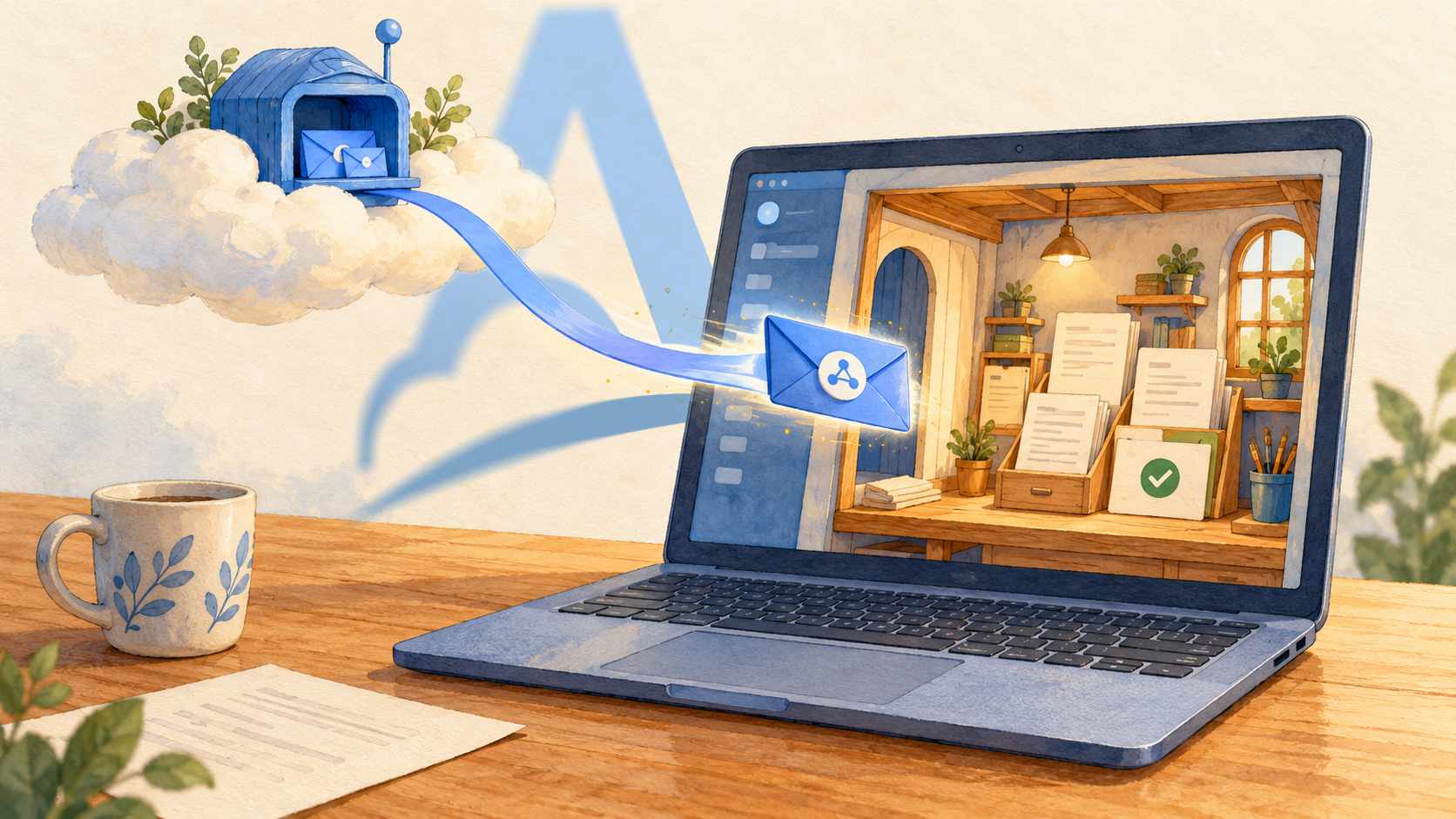
Imagine a desktop app for managing documents. Files stay on the user's computer, search runs locally, and the interface works without a server. When a document needs more advanced text recognition, the app sends it to a cloud service. The user gets a job ID and carries on working.
A few minutes later, processing finishes. The service can send a webhook to announce the result. All it needs is a URL.
That's where things get awkward. Where should the event go? The recipient is an app on someone's laptop. It has no permanent public address. The user might switch Wi-Fi networks or close the lid. Until now, the product hasn't needed a backend at all.
Adal Cloud can provide the public webhook endpoint and deliver events over a connection initiated from the user's computer. Here's how that fits into a desktop app, and what the app still needs to handle.
Why localhost isn't enough
A desktop app can run a small HTTP handler at an address such as http://127.0.0.1:4587/webhooks. That handler can be part of the local application process; it doesn't require a separate server deployment.
But 127.0.0.1 refers to the machine making the connection. Giving that address to a cloud service won't direct its requests to the user's laptop.
On a typical home or office network, the computer sits behind NAT and a firewall. It can call an external API, but an external service can't simply open a connection back to it. Changing networks and dynamic IP addresses make direct delivery harder still.
The app's requirement is modest: find out when an external operation has finished. Building and maintaining a backend just to receive those notifications adds a substantial piece of infrastructure to the product.
A public endpoint in the cloud, a handler on the desktop
A Server in Adal Cloud provides the public HTTPS URL. Register that URL with the external service. On the user's computer, Adal CLI establishes a secure outbound connection and forwards incoming requests to the app's local handler.
Cloud service
      │ HTTPS webhook
      ▼
Server in Adal Cloud
      │ delivery over the connection opened by the CLI
      ▼
Adal CLI on the user's computer
      │ local HTTP request
      ▼
Desktop app: 127.0.0.1:4587/webhooks
      │
      ▼
Local data and interface
The sender uses a single public URL. The user's computer needs to be able to connect out to Adal Cloud, but there's no need to forward ports on the router or expose the local handler to the internet. The Adal CLI documentation describes this delivery path.
There is server infrastructure in this setup: Adal Cloud provides it. “Without your own backend” means you don't have to build and operate a public backend to receive webhooks. Your app still owns the local handler and the logic that processes each event.
An example: cloud document processing
Let's return to the document app. Suppose the processing service lets you register a webhook URL for the relevant jobs.
The app submits a document and saves the returned job_id in its local database. When processing finishes, the service sends an event containing that ID to the Server's URL in Adal Cloud.
Adal Cloud accepts the request and delivers it through the CLI to the local HTTP handler. The app validates the event, matches it to the saved job_id, and records the new status. If it needs to download the result separately, it calls the provider's API using its own credentials. It can then update the interface or show a notification.
The webhook tells the app that something has changed. The app remains responsible for the document, access to the result, and any actions it takes locally.
The same pattern can work for a desktop build monitor, an internal tool that reacts to CRM events, or a utility that starts long-running jobs through an external API. The events need to belong to the relevant user's data and permissions, and the provider must support configuring that event flow.
Setting up the first delivery path
Start with one installation of the app and one stream of events:
Add a local handler. Have the app listen on
127.0.0.1:4587. Bind the listening socket to the loopback interface so it isn't exposed to the rest of the local network.Create a Server in Adal Cloud. Choose a region and enable persistent Request storage if you need diagnostics and delivery after the computer has been offline.
Create an Adal CLI Destination. Set its URL to the local handler. Check the resulting request path against the provider's webhook URL and the URL construction rules in the Destination documentation.
Configure the sender. Register the Server's public URL for the relevant provider account or set of jobs.
Start the app and connect the CLI. Use the token for the correct Server. The local handler should be ready before delivery begins.
Trigger a test event. Check the captured Request, the Delivery result, and the change in the app's local data. A successful delivery alone doesn't prove that the app processed the event correctly.
The quickstart walks through creating the resources. For an initial integration, you can run the CLI separately. If the desktop product will manage it as a helper process, you'll also need to handle starting, stopping, updating, and configuring it. That work is part of the app integration.
What happens when the app is closed?
For a desktop app, being unavailable is normal. Users shut down their computers, lose connectivity, or close the app before a cloud job finishes.
Adal Cloud can accept webhooks independently of the laptop. With persistent storage enabled, an accepted Request can wait for delivery within its retention period. To deliver accumulated requests when the CLI reconnects, Deliver pending requests on connect must be enabled. The Destination must still exist, the CLI must connect to the correct Server, and the local handler must be available.
Choose a retention period that fits how people use the product. If someone returns to the app after several days, a short retention window won't cover the gap. The storage documentation explains the storage options and retention rules.
The CLI's lifecycle also needs to match the app's. While the CLI is disconnected, no attempt to contact the local handler begins. If the CLI keeps running after the app closes, forwarding to the unavailable handler becomes a failed attempt and follows the retry policy.
On the next launch, it's useful to reconcile unfinished jobs against the provider's API as well as receive pending webhooks. That gives the app a way to recover its state if an event has expired or the local database has been restored from a backup.
Save the event before updating the interface
A webhook can arrive more than once. The app might save a result successfully, then lose the connection before its response reaches the delivery service. A retry can bring the same event back.
Use the provider's stable event ID to recognize duplicates and avoid repeating the same action.
A useful sequence for a local app is to validate the request, durably save the event or state change in the local database, and then return a successful HTTP response. Longer tasks and interface updates can follow, using that saved state.
If the app shuts down between accepting the event and displaying a notification, the work is still recorded. It can resume on the next launch. We cover duplicate handling in “Why webhooks need idempotent processing”.
What changes when you ship the app to other users?
An internal tool running on one computer and a product installed by thousands of people need different access arrangements.
For a personal utility, the user can configure their own Server in Adal Cloud and connect their own event source. For a distributed product, you need to decide who owns the Servers, how tokens are issued and revoked, and how one user's events stay separate from another's.
A shared Server with multiple Destinations doesn't provide that separation. Each incoming Request is delivered to all of that Server's Destinations. The configuration doesn't automatically choose a recipient based on a user_id field in the JSON payload.
You also can't hide a shared privileged token or a provider-wide secret in the app bundle. Desktop software runs on a machine the user controls. Credentials need to be scoped to the permissions of the relevant user or installation.
The handler remains responsible for verifying the sender's signature. Delayed events also need to respect the provider's verification rules: if a signature has a maximum accepted age, a stored webhook may fail validation after a long offline period. Delivery through Adal Cloud doesn't refresh the provider's signature.
Where this approach fits
This architecture works when a cloud event needs to update local data or trigger an action while the app is running, and waiting until the next connection is acceptable.
If an operation must happen immediately while the computer is off, its execution needs to live outside the desktop app. Adal Cloud can accept and store a request, but local code can't run on a powered-off machine.
Providers that require a synchronous challenge-response exchange to register a webhook URL need a separate compatibility check. Accepting a request in Adal Cloud and delivering it to the app are separate steps. The local handler's response shouldn't be treated as the synchronous response to the original sender.
For a suitable use case, the division of responsibilities is straightforward. The app keeps its local interface, data, and processing. Adal Cloud supplies a stable public endpoint and delivers events to the computer. A callback URL no longer has to be the reason a desktop product takes on a backend of its own.